
You can now search for images and bring them easily into wiki. Simply drag and drop images onto the Imagine Transport to bring images into wiki, or use Google Image Search to search for images and then bring them in as a batch.
- Bill
In particular you can use the Advanced Image Search features of Google Image Search to search for Free Culture Images.

Uploaded image
Follow these steps:
- Open the image search tab - google  - Search for images
- Command-click on images you like
- Open the Share as web page link
- Drag and drop the shared url to the Imagine Transport
- Search for images
- Command-click on images you like
- Open the Share as web page link
- Drag and drop the shared url to the Imagine Transport
POST https://rest.livecode.world/imagine
# Upload your own images
You might also want to upload assets with the About Assets Plugin:
*
# Image Search

Google Image Result for "paper based mutual credit ledger"
- wordpress.com

Google Image Result for "paper based mutual credit ledger"
- wikipedia.org

Google Image Result for "paper based mutual credit ledger"
- wikipedia.org
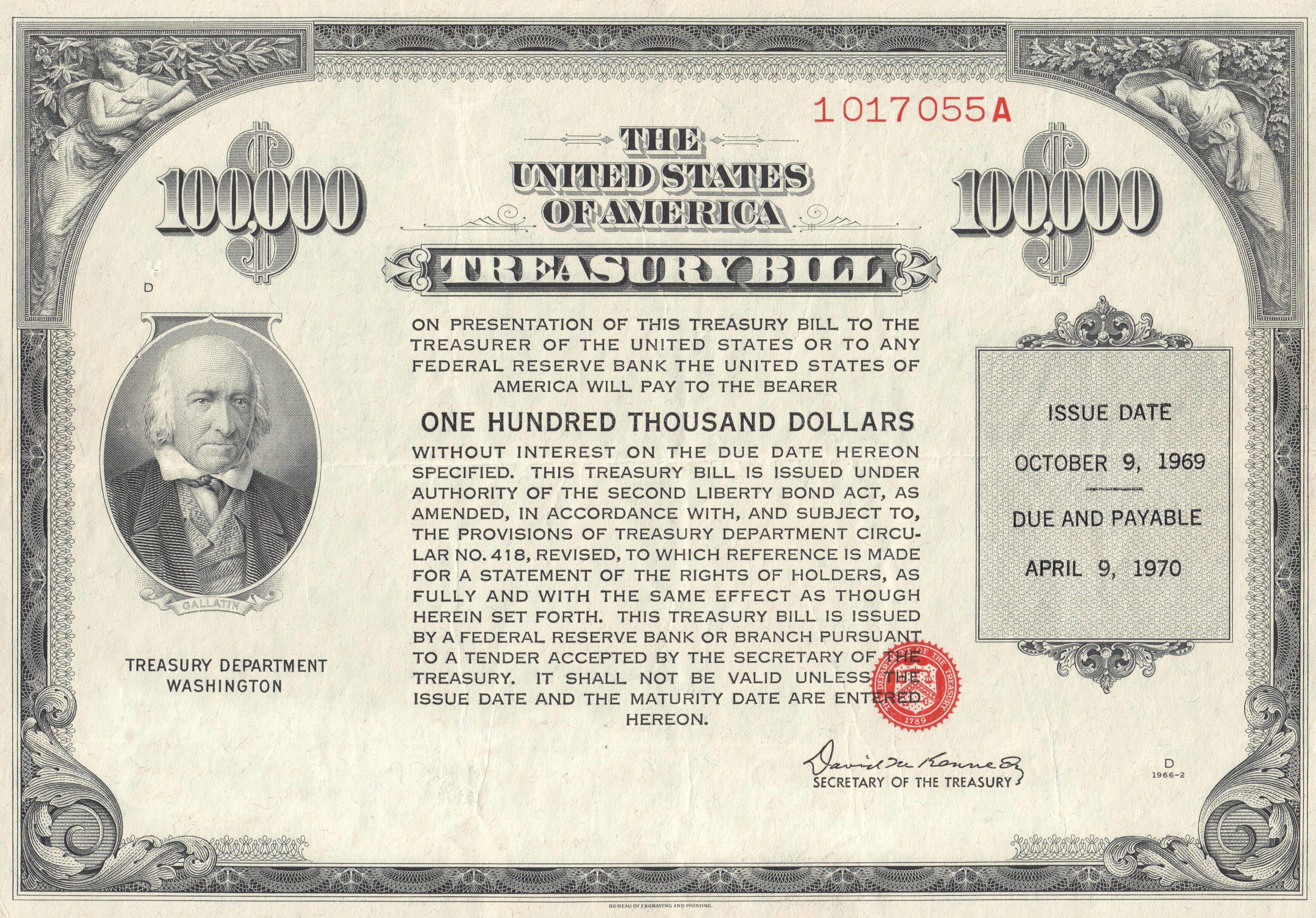
Google Image Result for "paper based mutual credit ledger"
- wikipedia.org
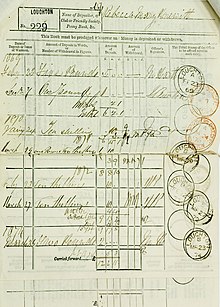
Google Image Result for "paper based mutual credit ledger"
- wikipedia.org
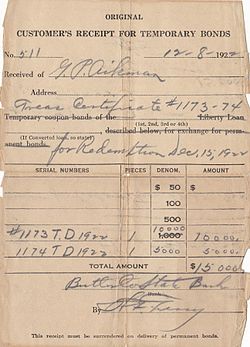
Google Image Result for "paper based mutual credit ledger"
- wikipedia.org